
How do I setup my tap & QR code?
All Tap Tags come in setup mode and are dynamic. (if you want to opt out, see "Adding my own website or QR" for info about how to opt out of our free dashboard)
-
Setup is done when your Tap Tags arrive. Tap your new Tap Tag or scan its QR code to enter the setup screen. Enter your email on the setup screen to get started with creating your dashboard. See step-by-step setup instructions here. You choose the type of dashboard needed when setting up, the type of dashboard depends on your goals:
-
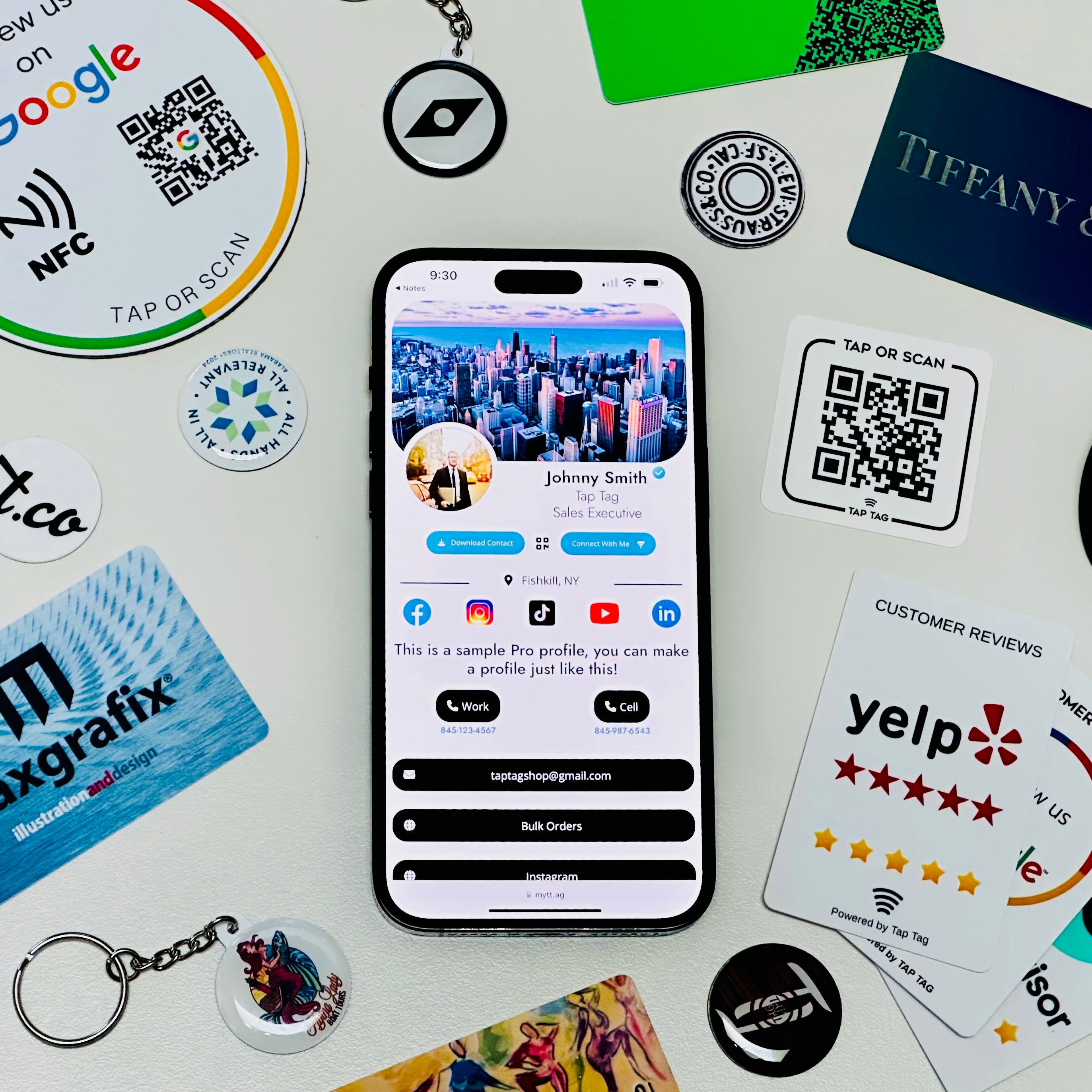
Digital Business Card Dashboard - FREE service with optional upgrades - Create and share your contact card with others.
Review Capture Dashboard - FREE service with optional upgrades - Capture reviews on popular services like Google and Yelp.
Church Dashboard - Starts at $349/year - Manage batches of church Tap Tags to better interact with members.
-
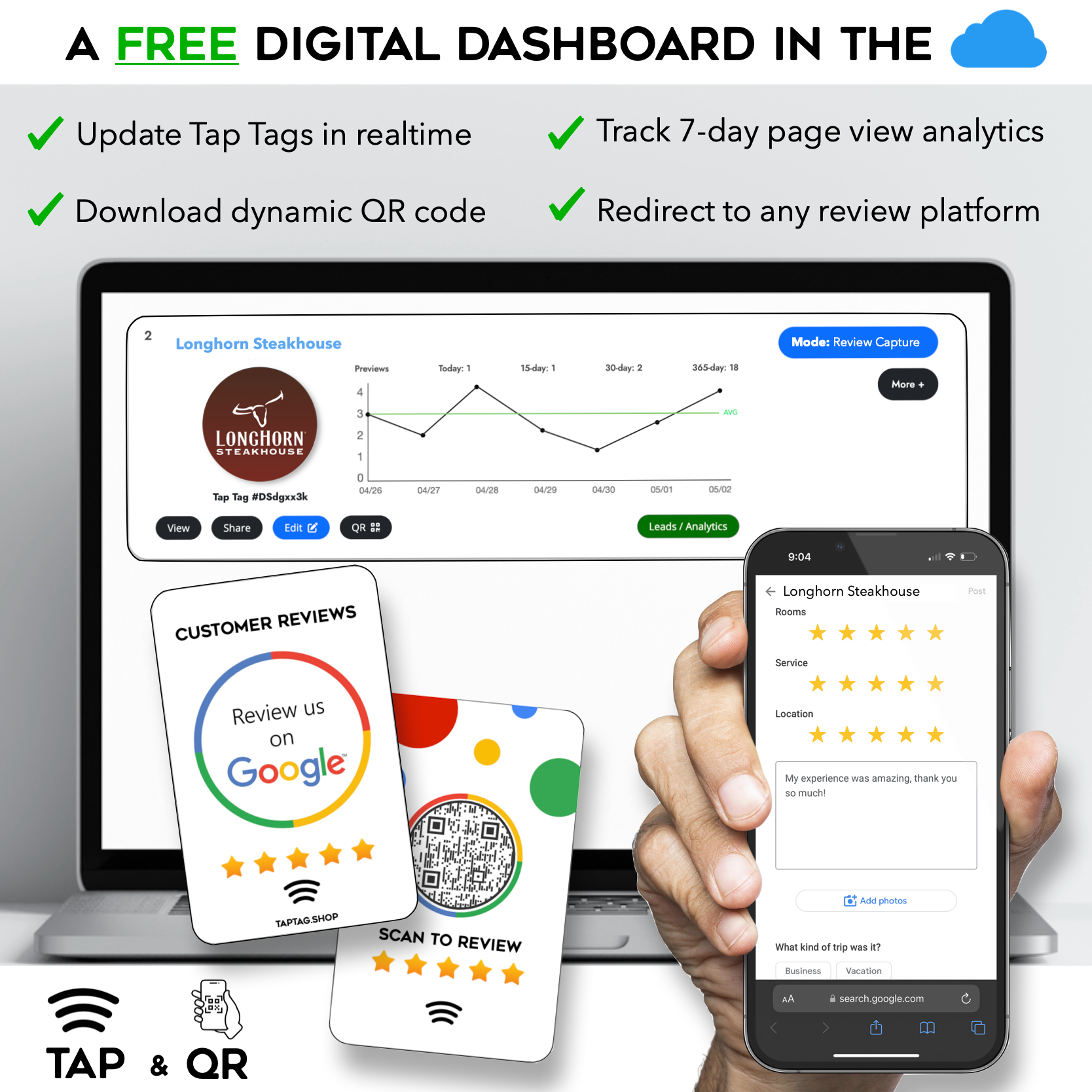
The dashboard has many features, for example you can edit and manage your tag(s) from any computer. You may also use the dashboard to redirect your tags to any website, and change the redirect whenever. You can learn more about the 50+ features our software offers here.
Adding my own website or QR?
Easy! There are multiple ways add your own website or service which opts out of our digital dashboard. See steps below.
-
Warning: Adding your own URL or QR will completely opt you out of our dashboard and software services. There is no way to opt back in.
-
To opt out, do one of these things:
-
1) Paste your own website link either on your order or in the order notes. We will hard-program the tags with your website URL. No strings attached.
-
2) Add your own QR code when designing a custom item. We will sync the tap function with the contents of your QR code by default. If you want the QR and tap URL to be different then explain what you need in the order notes.
-
3) Leave an order note if you want the Tap Tag to be left digitally blank. You may program the items yourself or overwrite anything we programmed. Warning: Static QRs cannot be programmed or reprogrammed. If hard-programming a tag that has a QR code then the QR will not change.
-
4) Leave an order note that you will be "sending information separately," we will hold your order until we hear from you. Email support@taptag.shop or reply to your order confirmation with the extra details of your order (ie. spreadsheet, graphics, etc)
-
If you have a special request or want to solidify what you need then please utilize "order notes" in your cart to directly communicate with us. If it's straightforward we will move forward with your order, if your inquiry needs a response we will email you.
Common questions
Shipping speed?
When ordering 100 or less Tap Tags your order will generally be fulfilled within 0-1 business day, yes even custom items. You choose shipping speed at checkout ranging from 7 days to overnight.
-
Will you send a proof?
No, by default we do not send a proof. We will create the exact design you created in the customizer. If something seems slightly off our human designers will fix it or we will email you if we discover something very off. You may still request a mockup in the order notes which may impact fulfillment speed of your order.
-
Ordering multiple Tap Tags?
Every Tap Tag comes in setup mode even if all are purchased on the same order (if not opting out of dashboard), each tag can be setup as a unique user or be paired together to act as one, all for free.
Each user sets up their own tag using a unique email address. Each user manages themselves separate from others OR as an optional upgrade you can centrally manage multiple users on one dashboard. Prices vary.
-
Is there an app required to scan? Apple and android?
No app required to scan. Works with both Apple and Android.
-
More questions?
Use the chat in bottom right corner, or email us at support@taptag.shop. We reply exceptionally quick.
Your cart is empty
Continue shoppingHow to setup? What if I don't want a profile/dashboard?
Tap Tag Dashboard:
You can create your free profile HERE, you will pair your Tap Tags by scanning them when they arrive.
Or, wait until your Tap Tags arrive to setup. Simply tap or scan for the first time to go through a quick setup on your smartphone.
Learn more about features of our backend
OR
Add your own link:
You can paste your own URL in the cart notes, this OPTS OUT OF OUR FREE SOFTWARE THAT IS PACKED WITH FREE FEATURES AND LIMITS OUR ABILITY TO PROVIDE SUPPORT REMOTELY. In this case, your Tap Tag(s) will be hard-programmed with your URL.
What is the production time of my order? When will it arrive?
All items typically ship the next business day. Yes, even the custom ones!
Larger orders of 100+ items may take 2-3 business days for production.
United States: There are multiple shipping options to choose from at checkout ranging for 5-7 day shipping, 3-day, or 1-2 days.
Outside of US: Typically all international shipments arrive in 7 days or less. Shipping charges are calculated at checkout. There may be Duty charges applied from your country while order is in transit.
Tell me about the free gift if my order qualifies?
We will include a free gift worth $9.95 or less from our store. Most commonly this is a sticky Tap Tag for your phone, A tap/QR sticker, classic tap card, a tap keychain, or any other items from our store.
These items are selected and random and cannot be requested.
Warranty? Satisfaction guarantee?
Yes, we offer a 6-month warranty on all items included in your purchase.
If you are unsatisfied with your item we offer a 30-day return period.
If I am getting multiple Tap Tags, can I setup each to be a different profile?
Yes, there is a unique ready-to-setup digital profile on each item (assuming you did not opt out by providing your own URL(s)).
When the Tap Tags arrive and you will tap/scan each for the first time. You can choose to pair your items together as one, set them up as individual users, or pair them to a Teams account.
Will I get a proof of my design before production?
To keep up with our incredible speed of a one-day turnaround for all customers, we do not supply proofs unless by request.
Instead, we invested in a powerful editor so you can see a general live mockup of your item before purchasing.
We will always email you if we have questions or an issue with your design. Real humans handle every order, so we often catch major mistakes or foresee undesirable outcomes which will trigger us to email you. It is in our best interest to ship the best product possible.
If you would like to request a proof, or have questions or comments about your order you can add your inquiry to the cart notes. This may add to the overall production time.
I have more questions, how do I talk to someone?
Select the chat icon in the bottom right corner to connect with a representative or email support@taptag.shop.
Did you see everything we offer?
This Weeks Top Seller
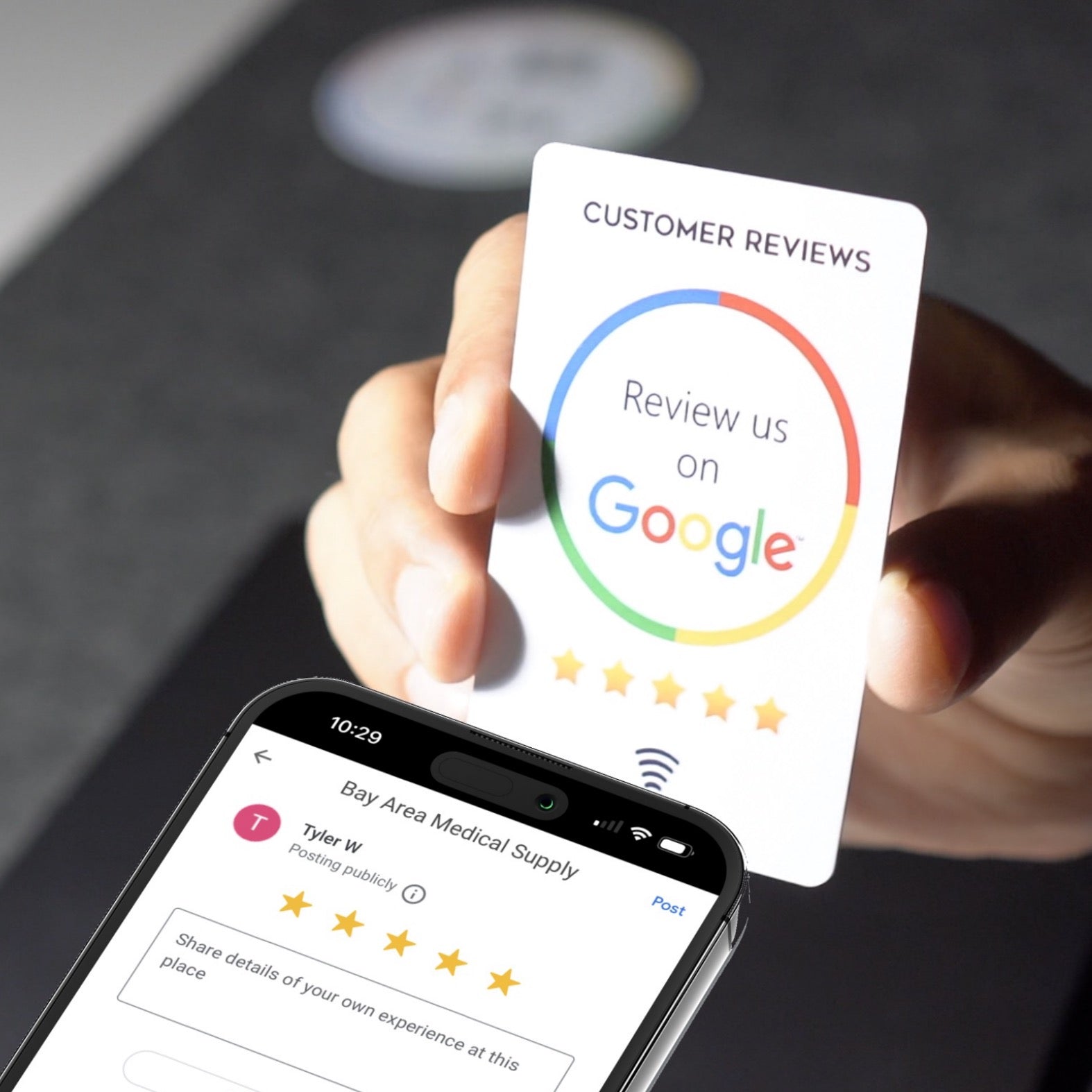
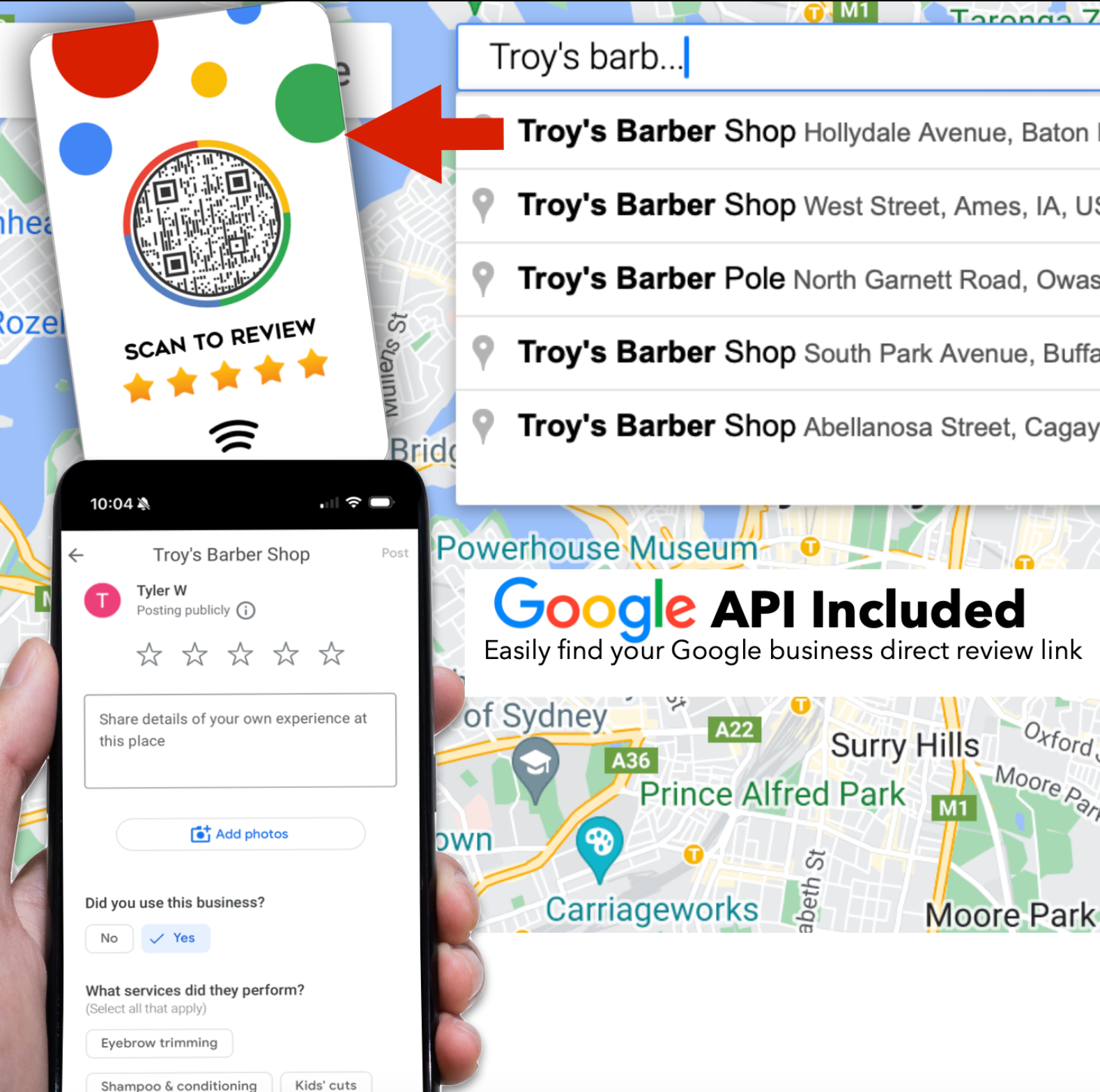
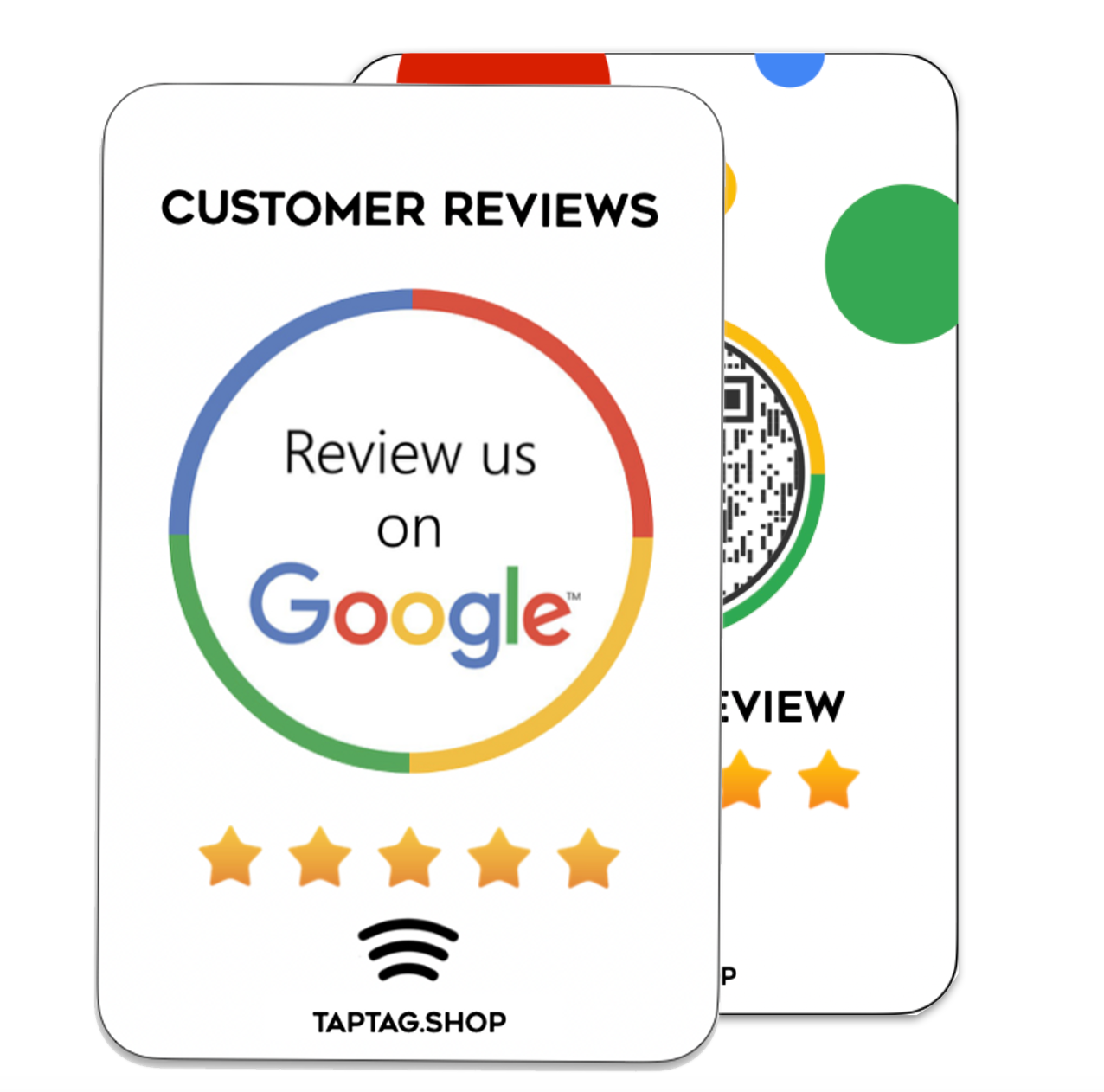
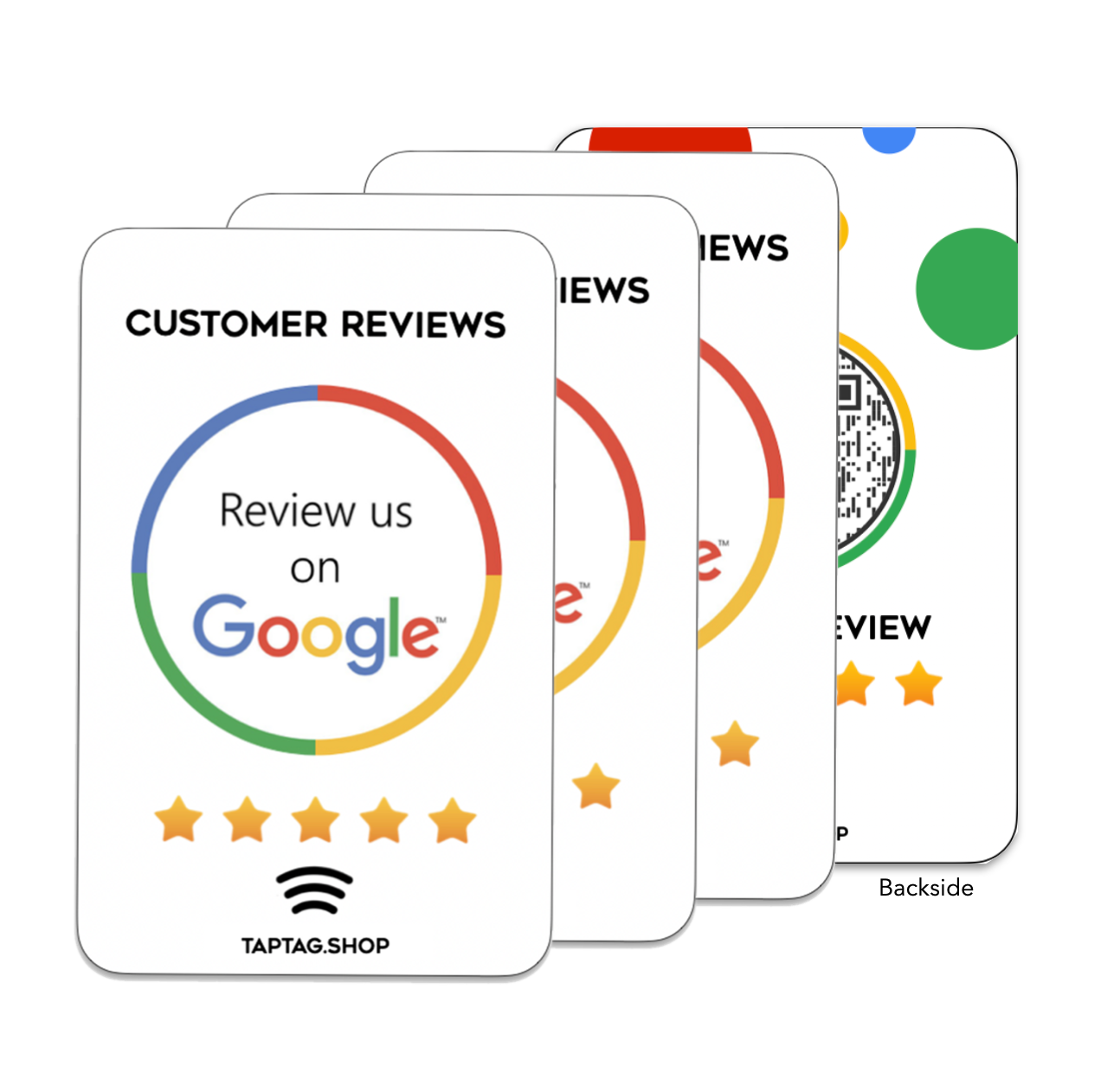
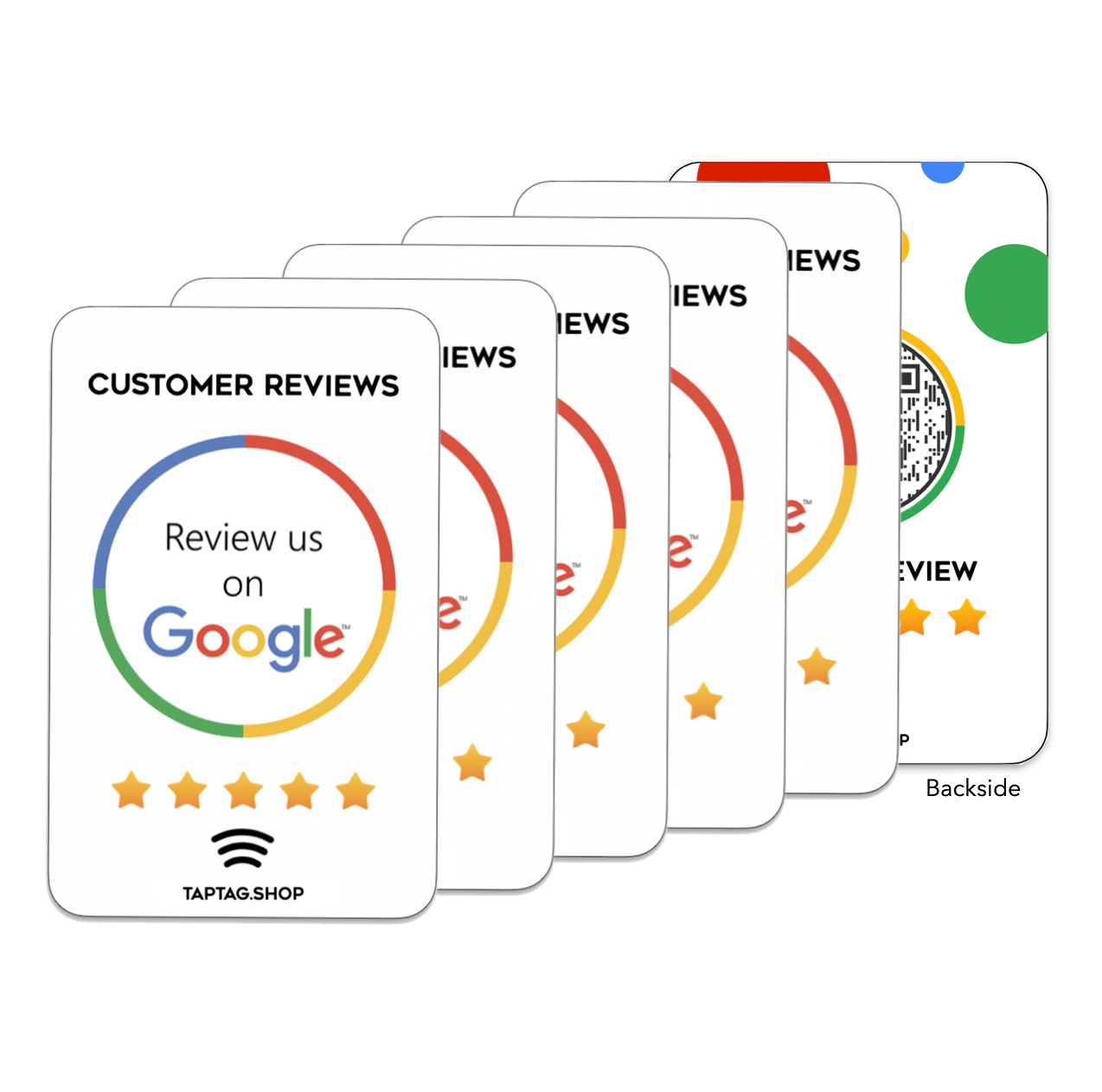
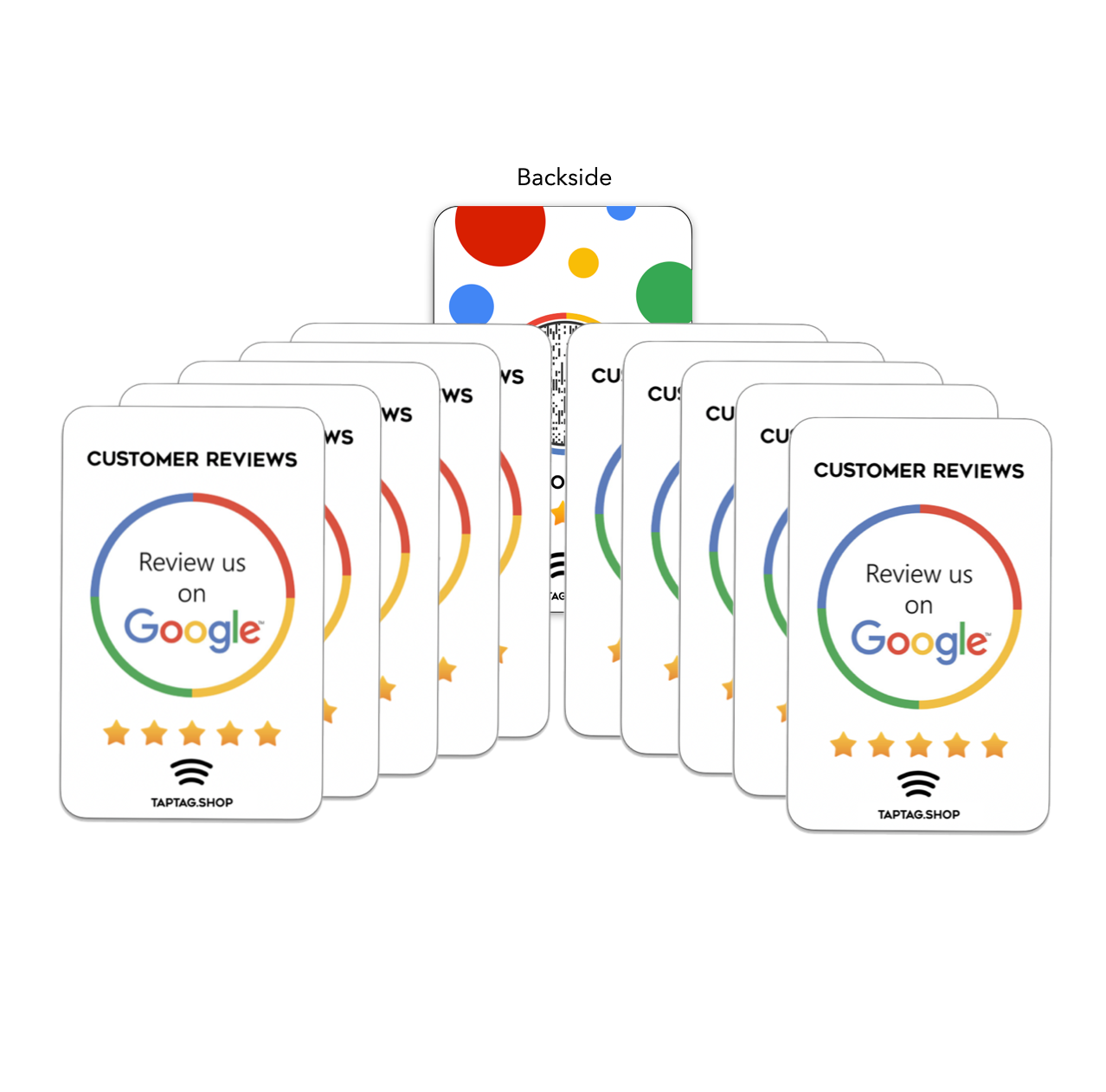
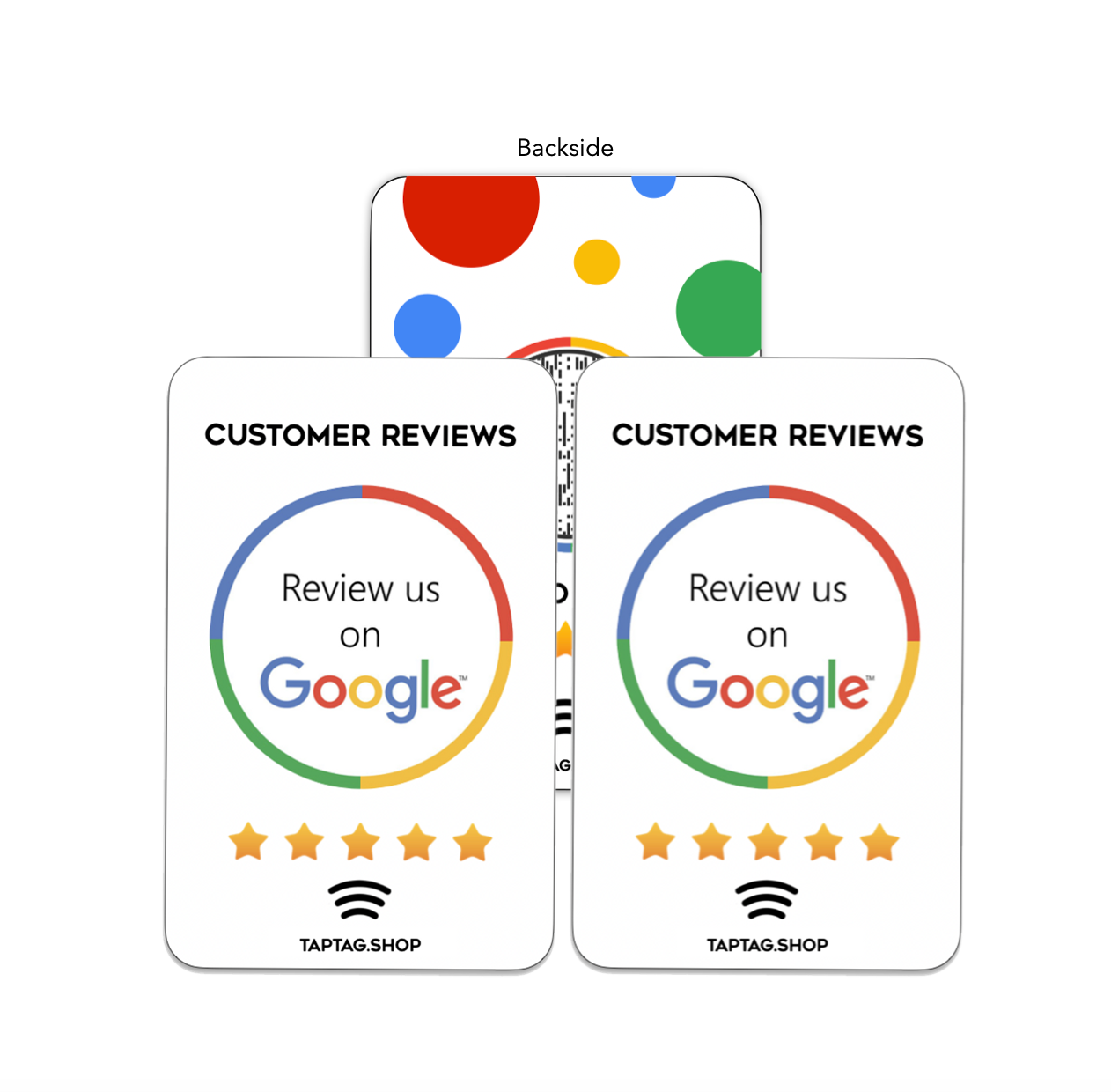
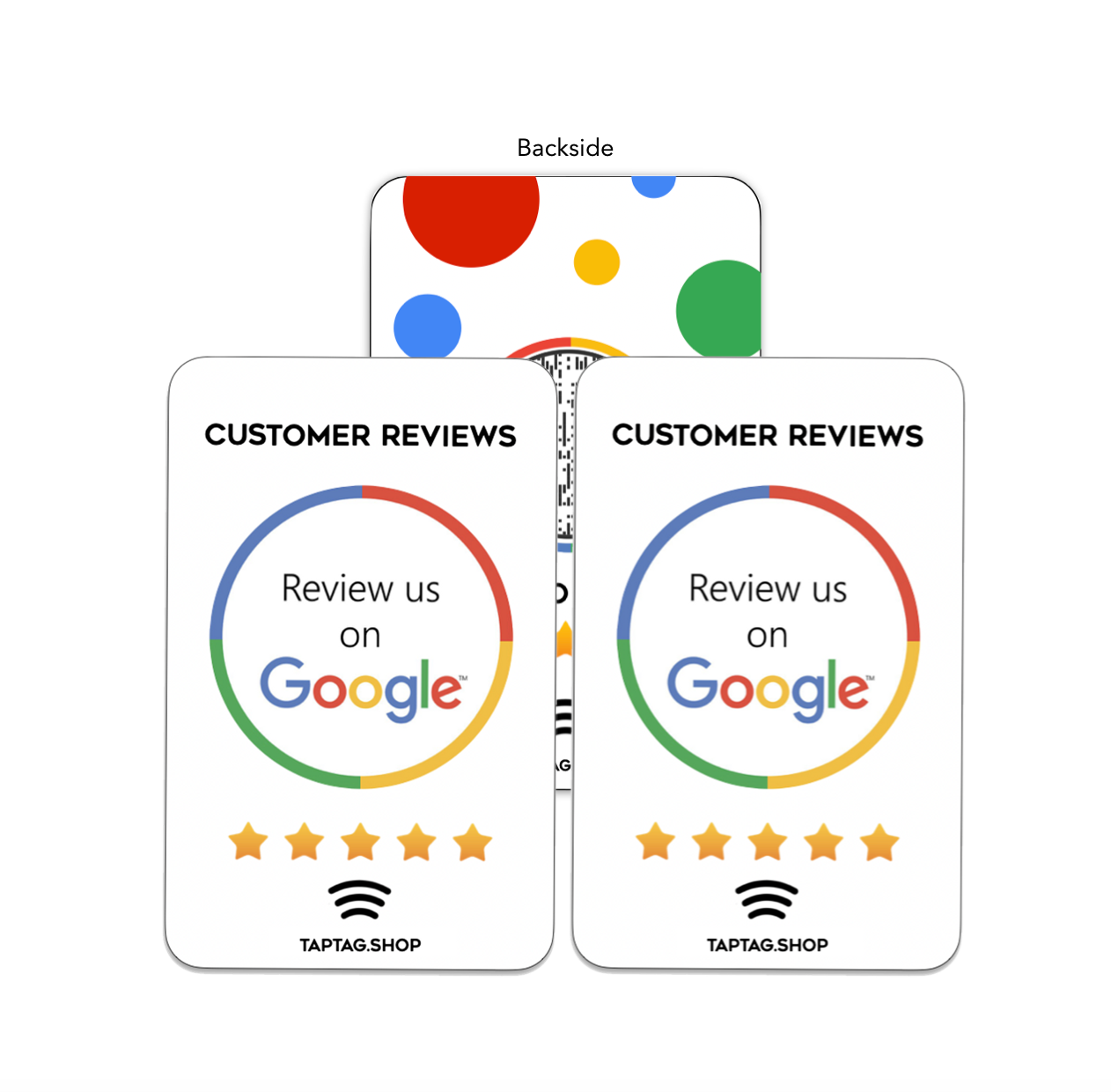
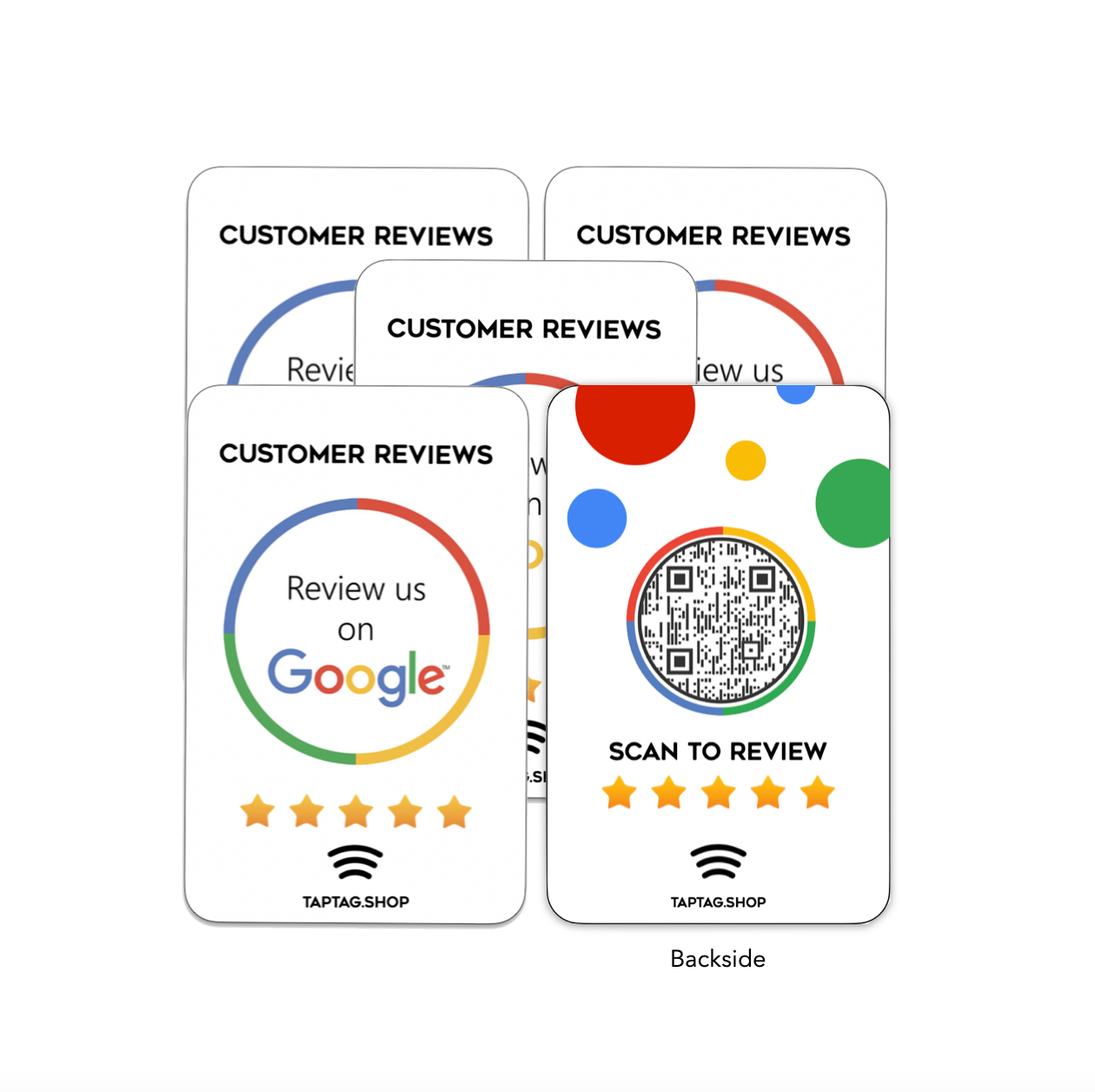
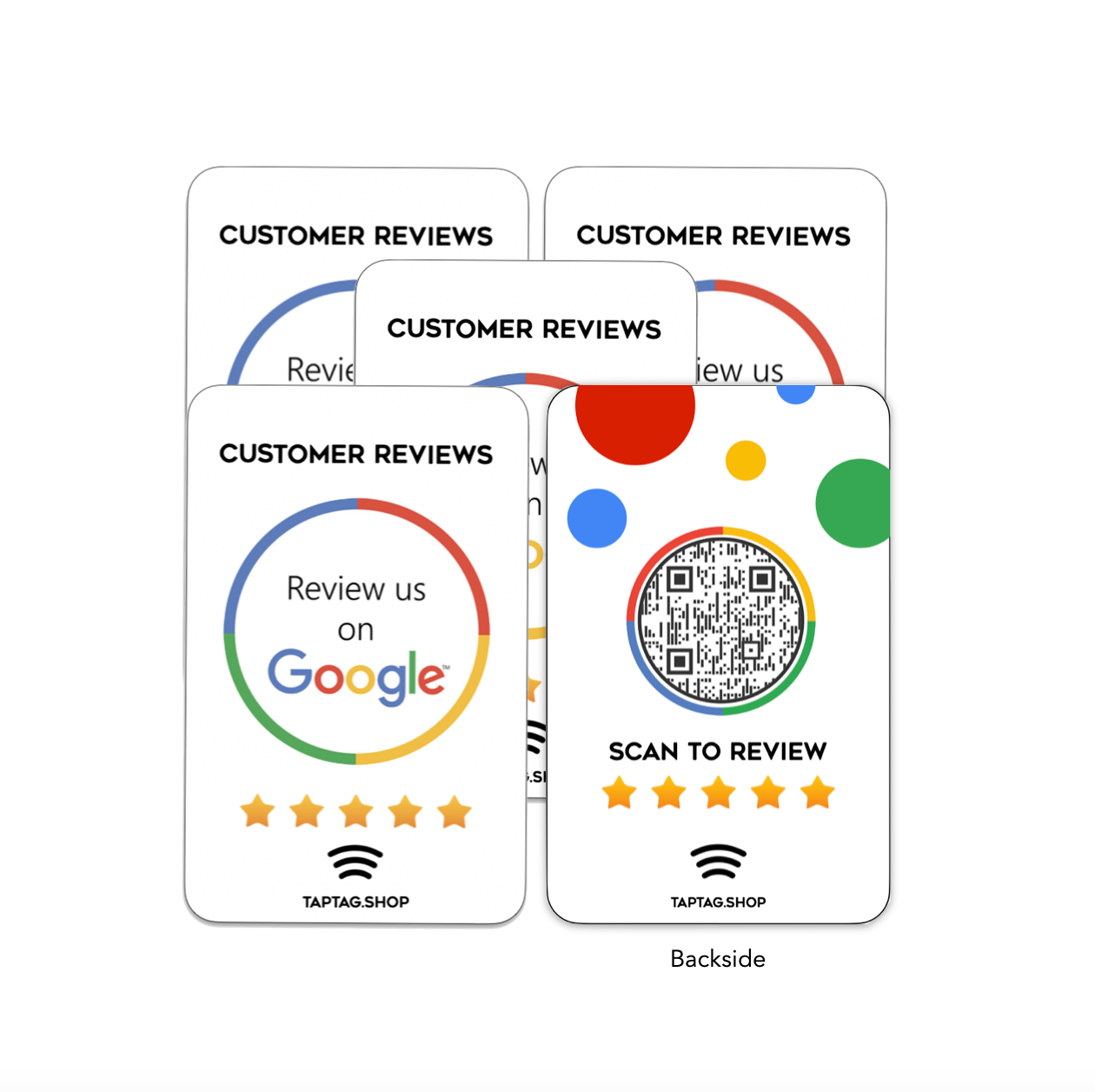
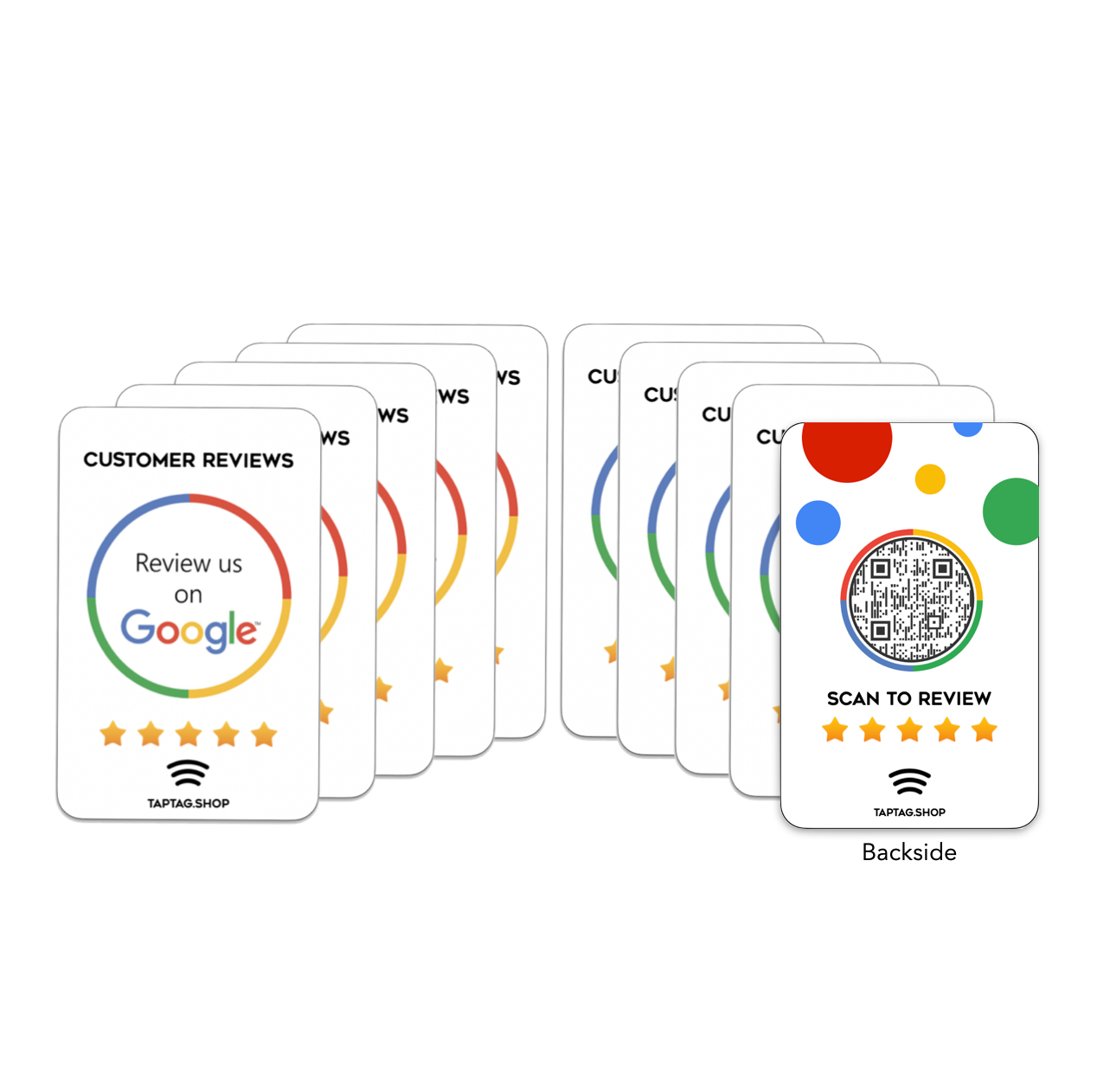
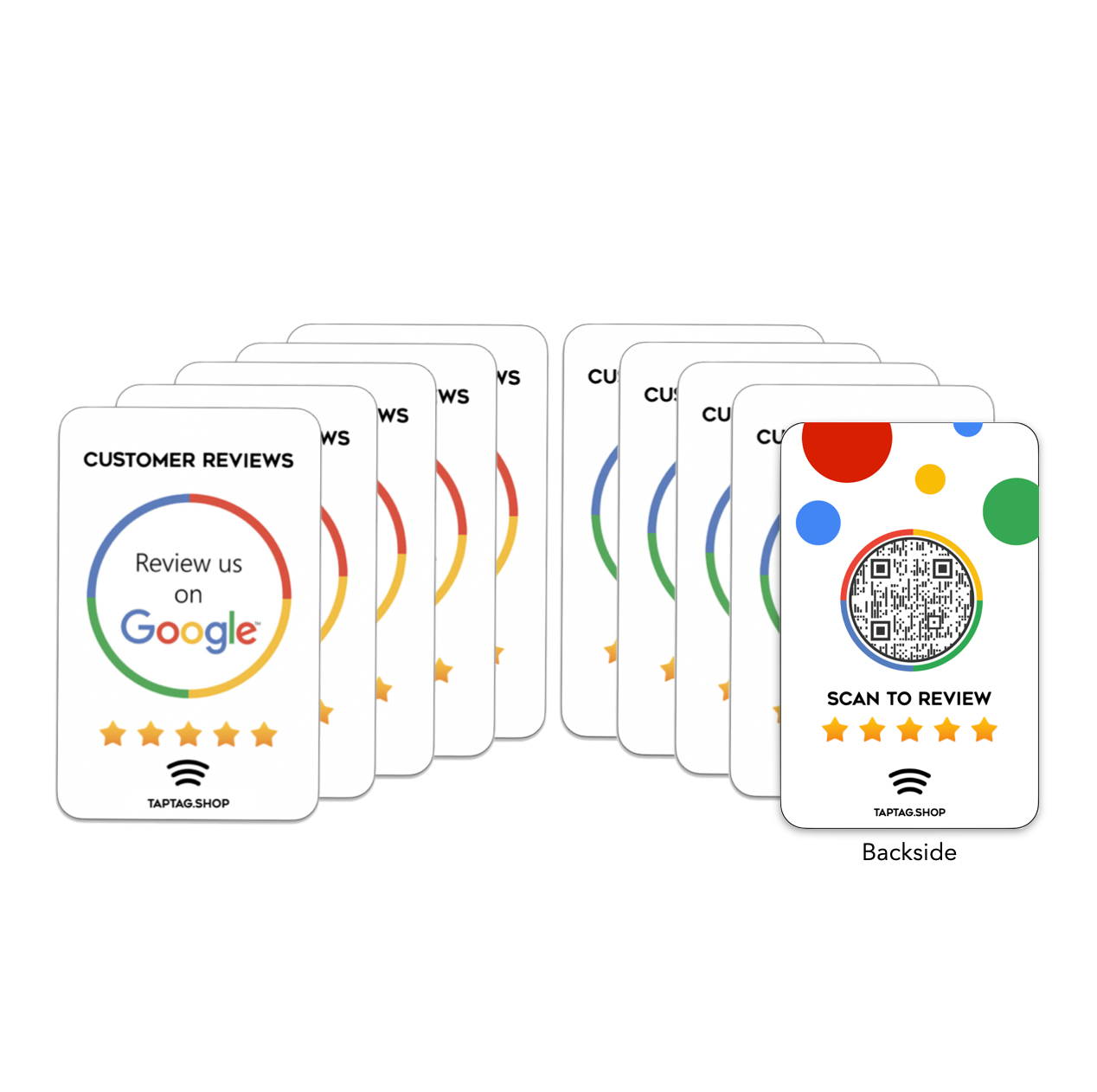
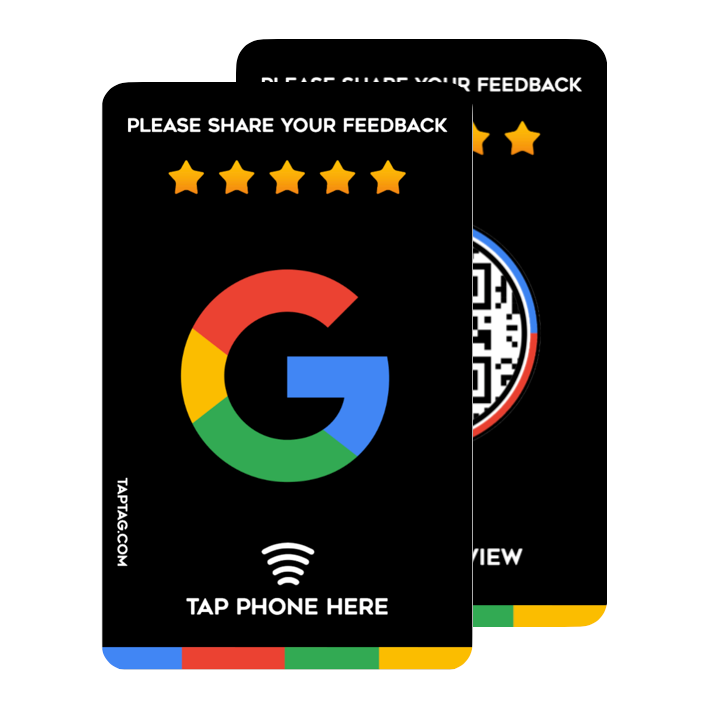
Our Tap Google Cards are all the rage right now. Tap to go directly to a Google review for your business, use our Google integration to find your business when the card arrives.

Description
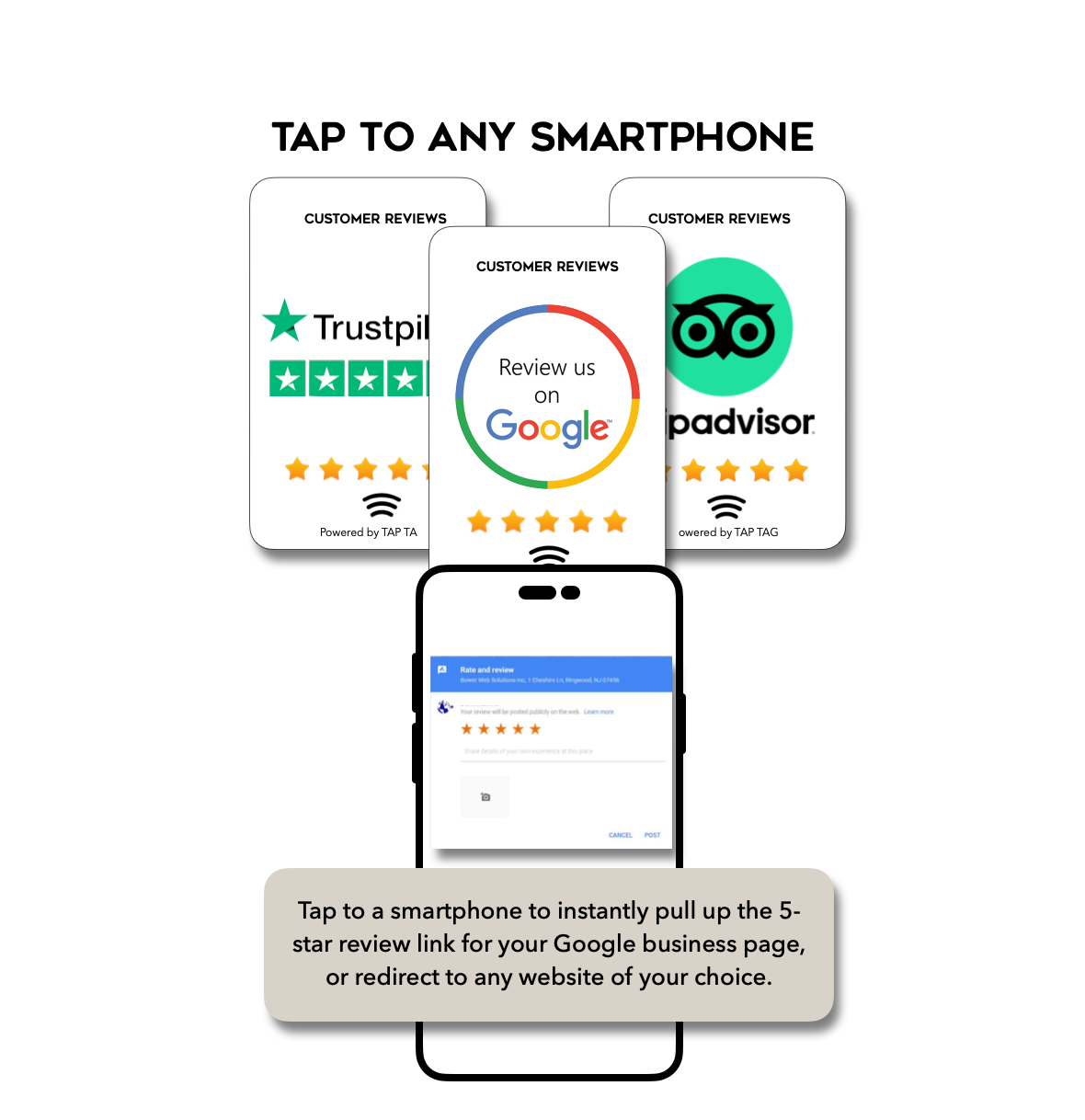
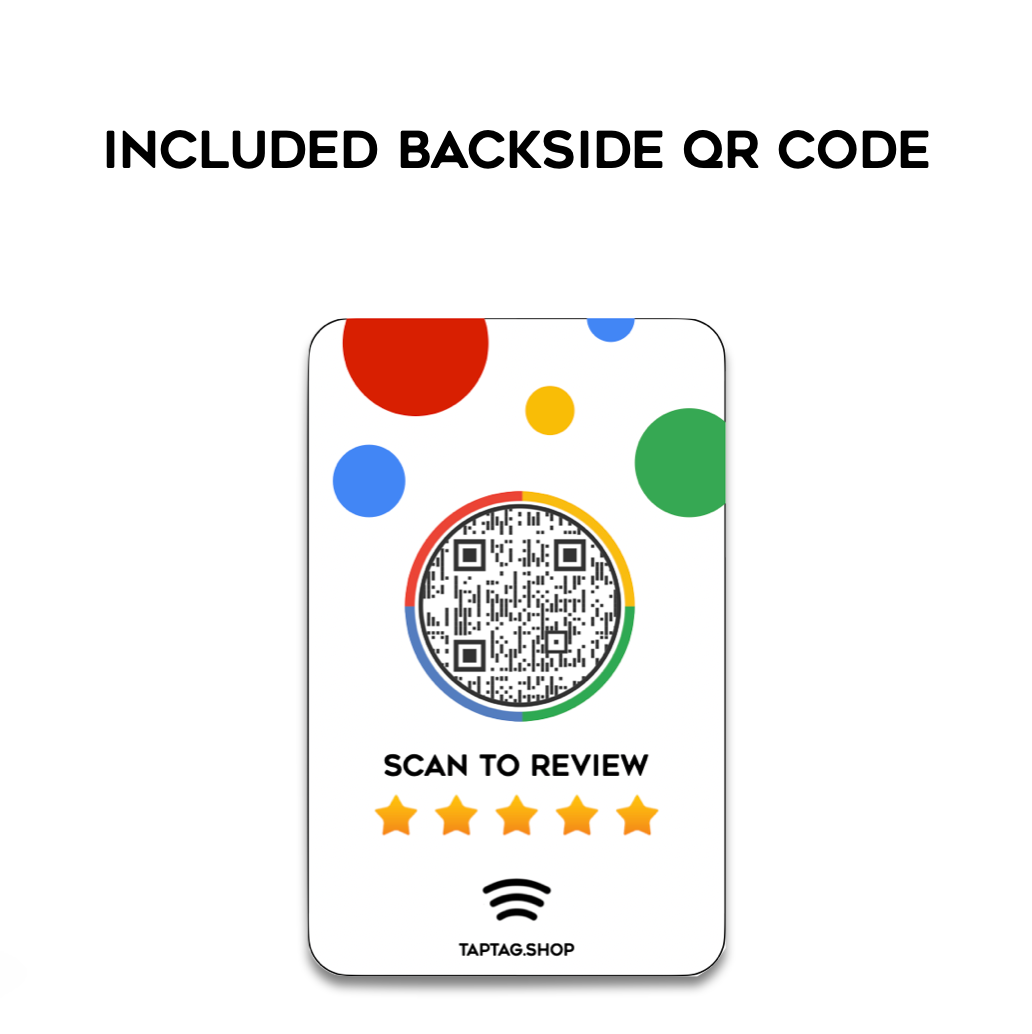
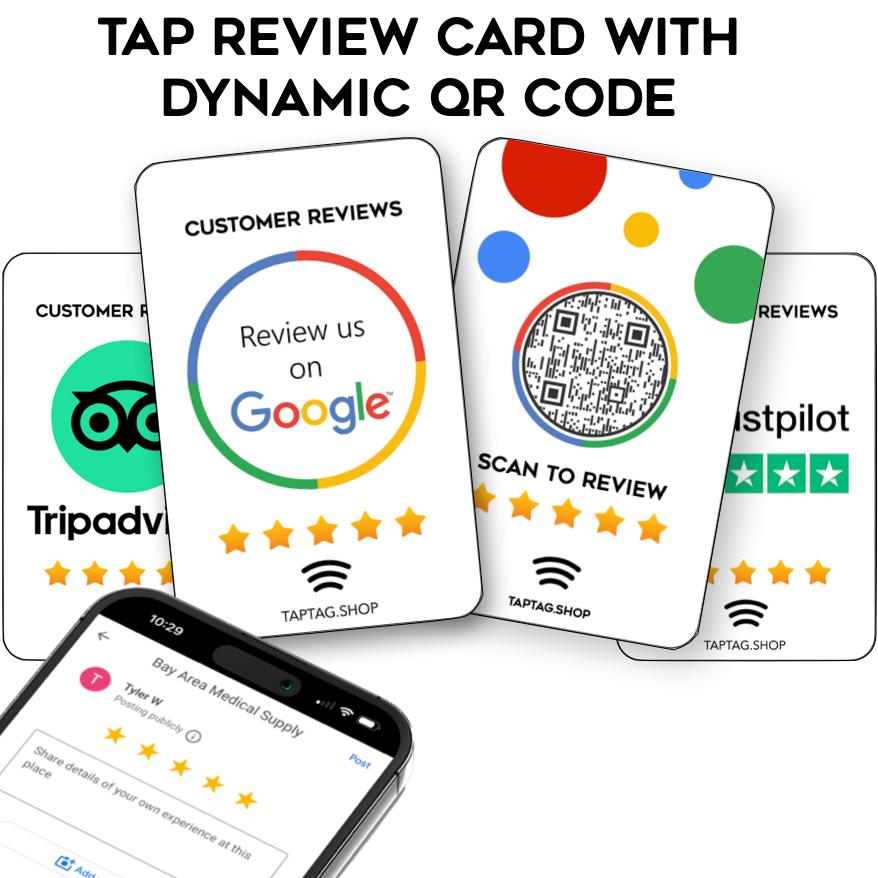
Our insanely popular credit-card-sized Tap Tag tap review card is the easiest way to amplify your online presence with 5-star reviews, boost reputation, and ultimately improve SEO for your business. Each card has NFC tap technology and a matching QR code to share your Google, Trustpilot, or Tripadvisor review page to any smartphone. Feel and size of a typical credit card to easily fit into your wallet.
Speedy customer reviews in just 2 clicks!
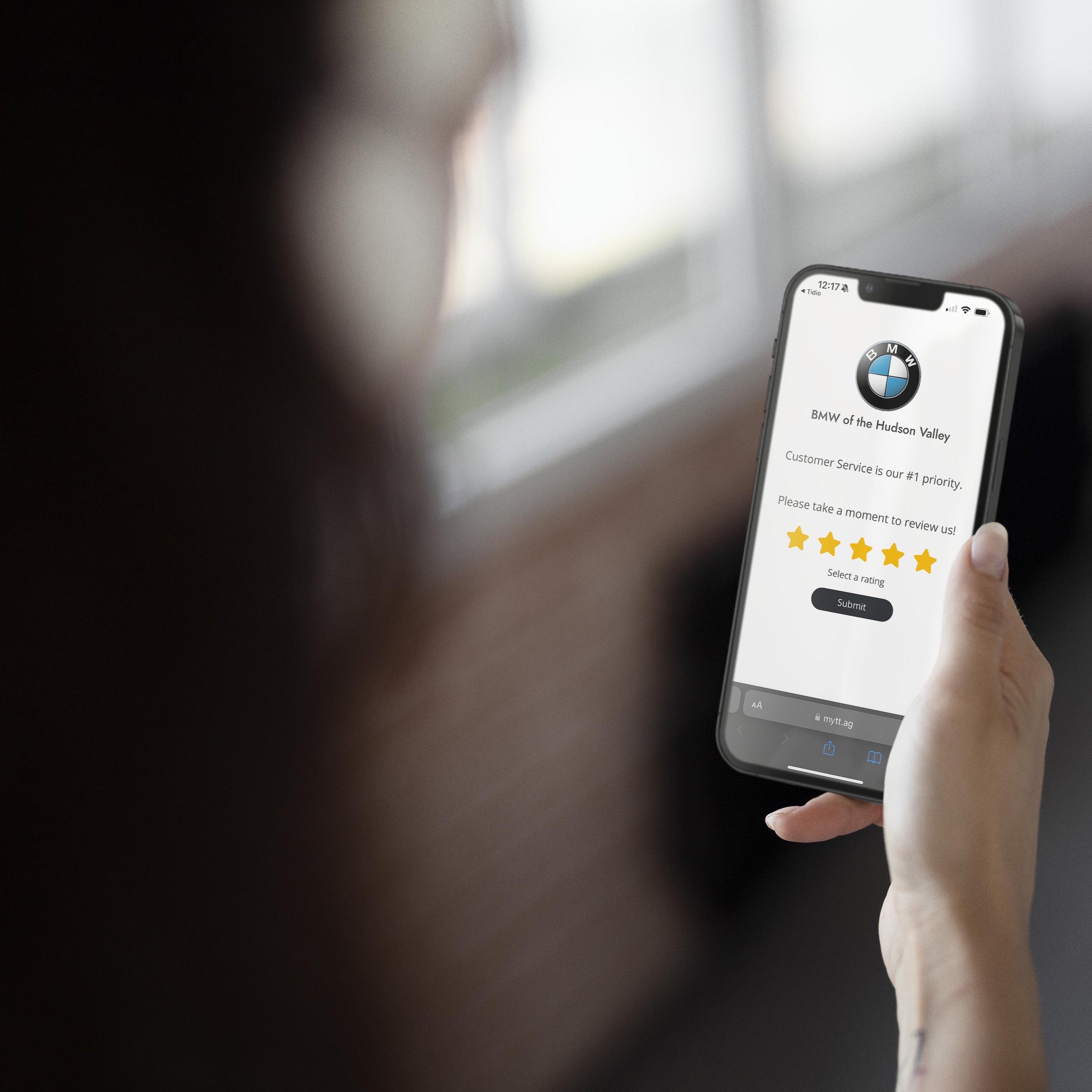
How it works: If you sense you have a happy and satisfied customer, simply take out your tap review card and ask them to leave you a genuine review. Tap your review card to their smartphone or have them scan the QR code with their camera to direct them right to your businesses review page. The page pops up with the star selection. The customer can choose to leave more context or simply just leave a star rating.
✅ Set up your review page now
✅ Dynamic tap & QR, manage any time from your free online dashboard
✅ Track 7-day page view analytics included in free plan
✅ Unlimited taps & QR scans
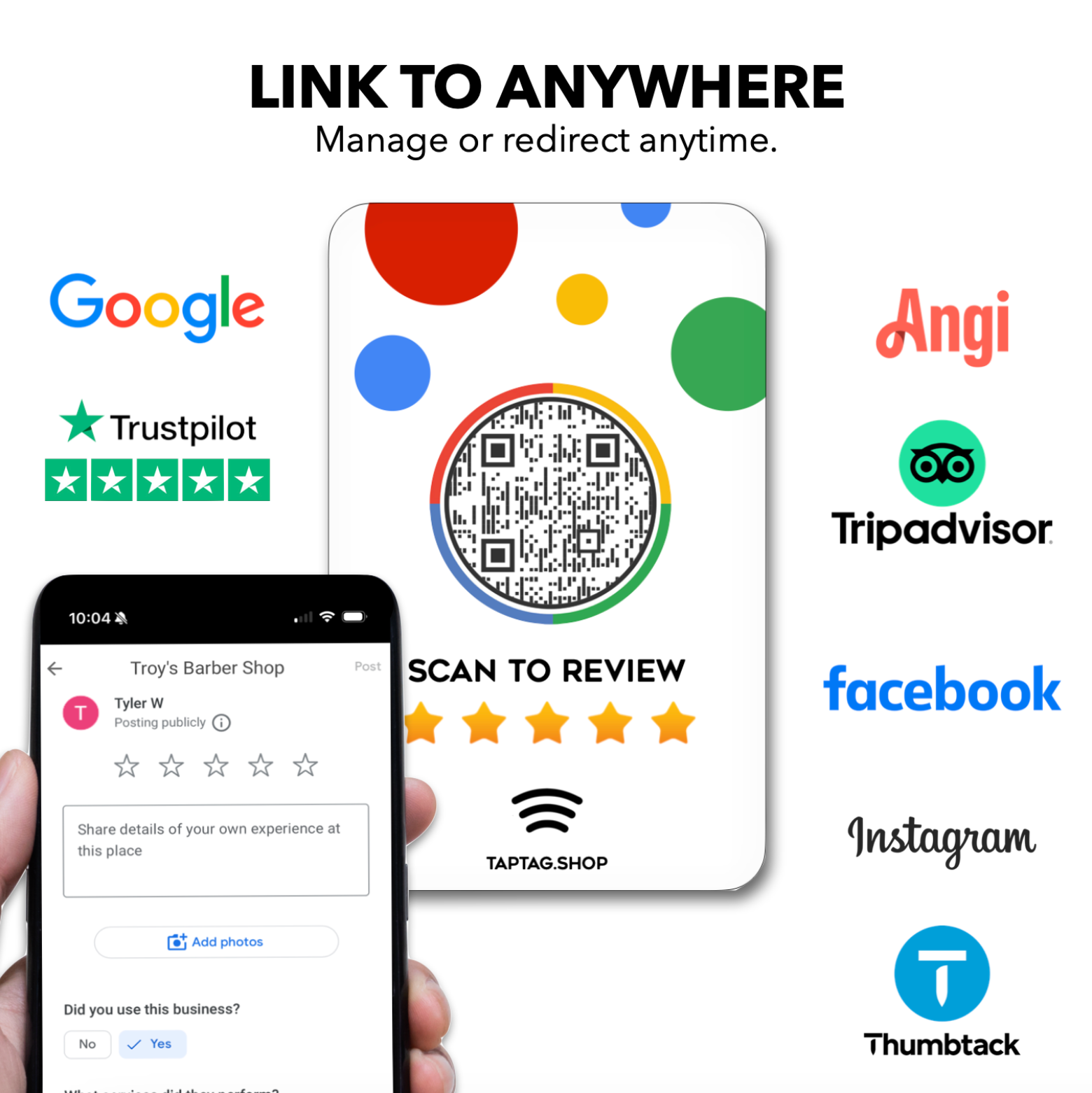
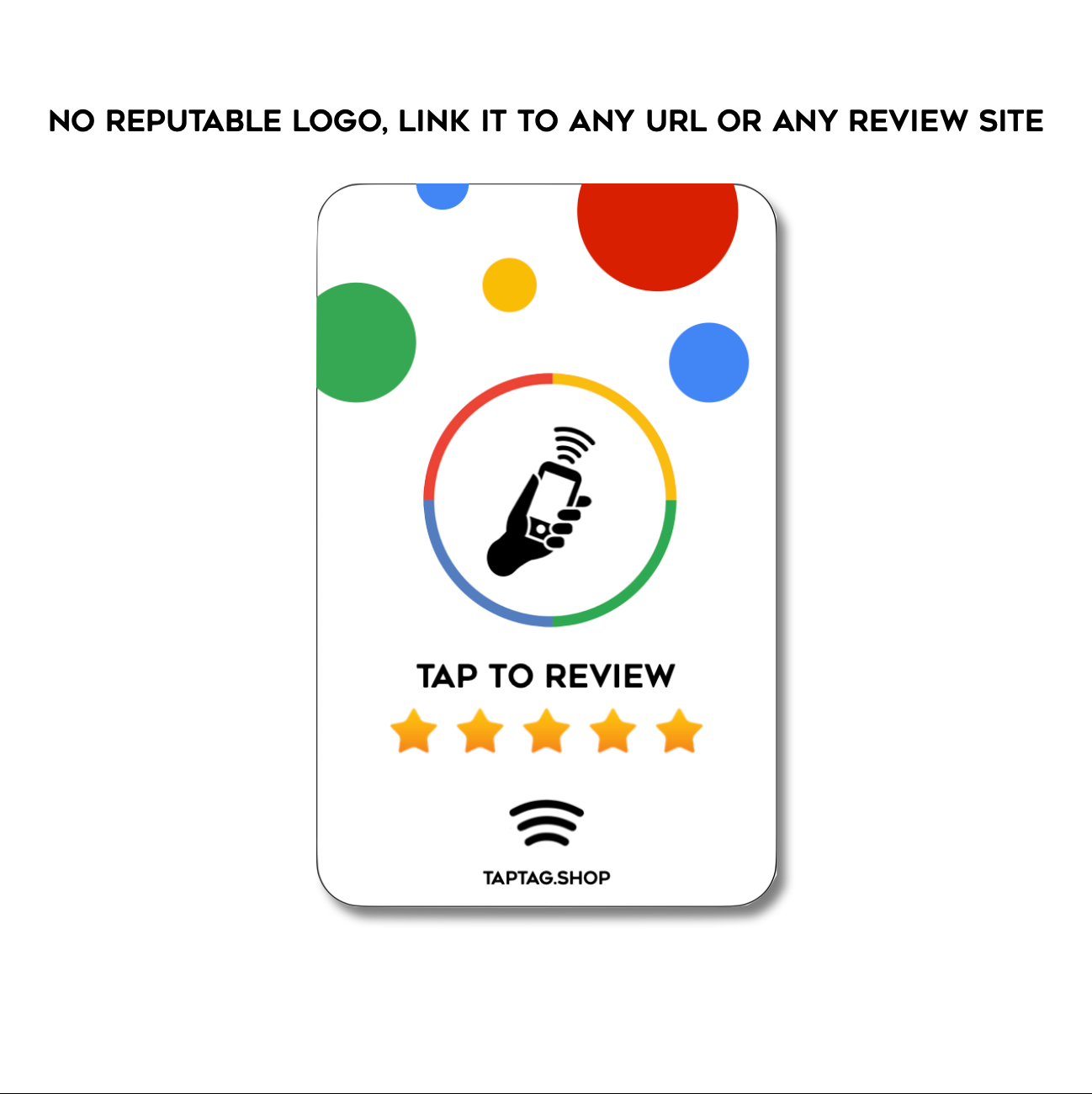
✅ Links to any review page, website URL, or social platform. Change anytime.
✅ No subscriptions, just a one-time purchase
✅ No app required to scan, works with all smartphones out of the box
✅ Size of a credit card to easily fit into wallet or pocket
*IMPORTANT- punching a hole or damaging the card in any way will break the technology inside. If you would like a card with a hole, please see below for the lanyard version*
➕ Optional lanyard version available
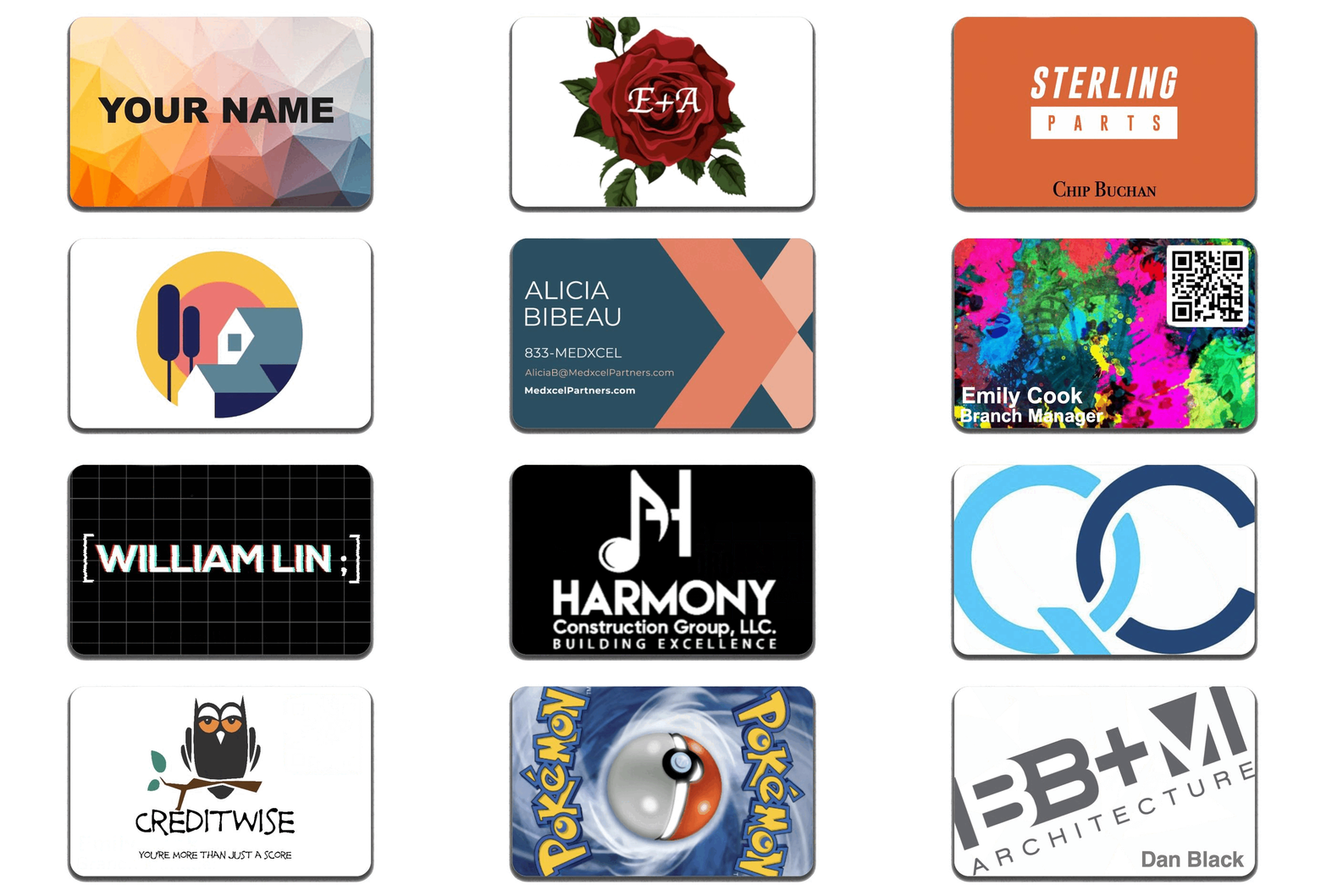
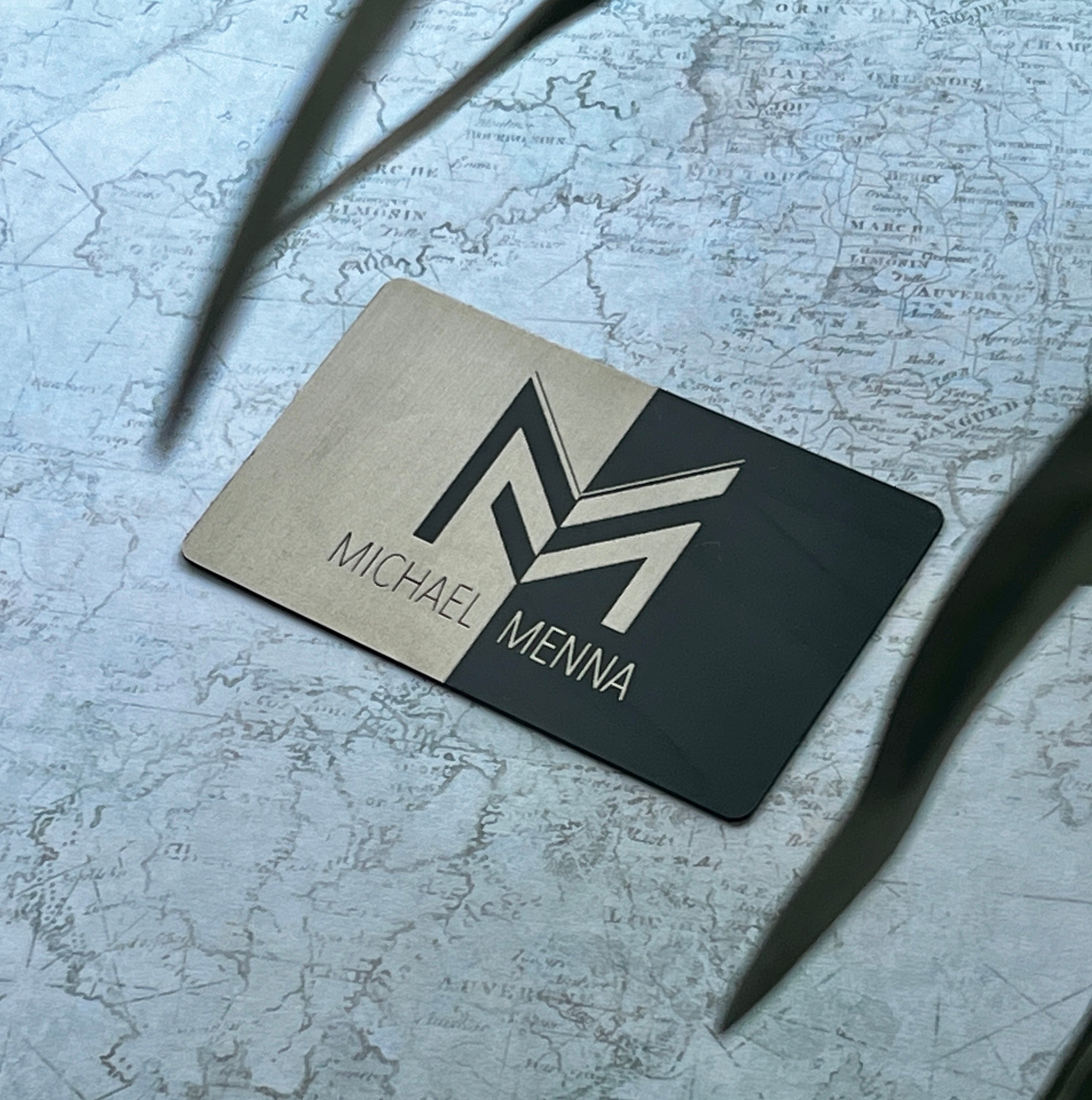
➕ Optional customizable version available
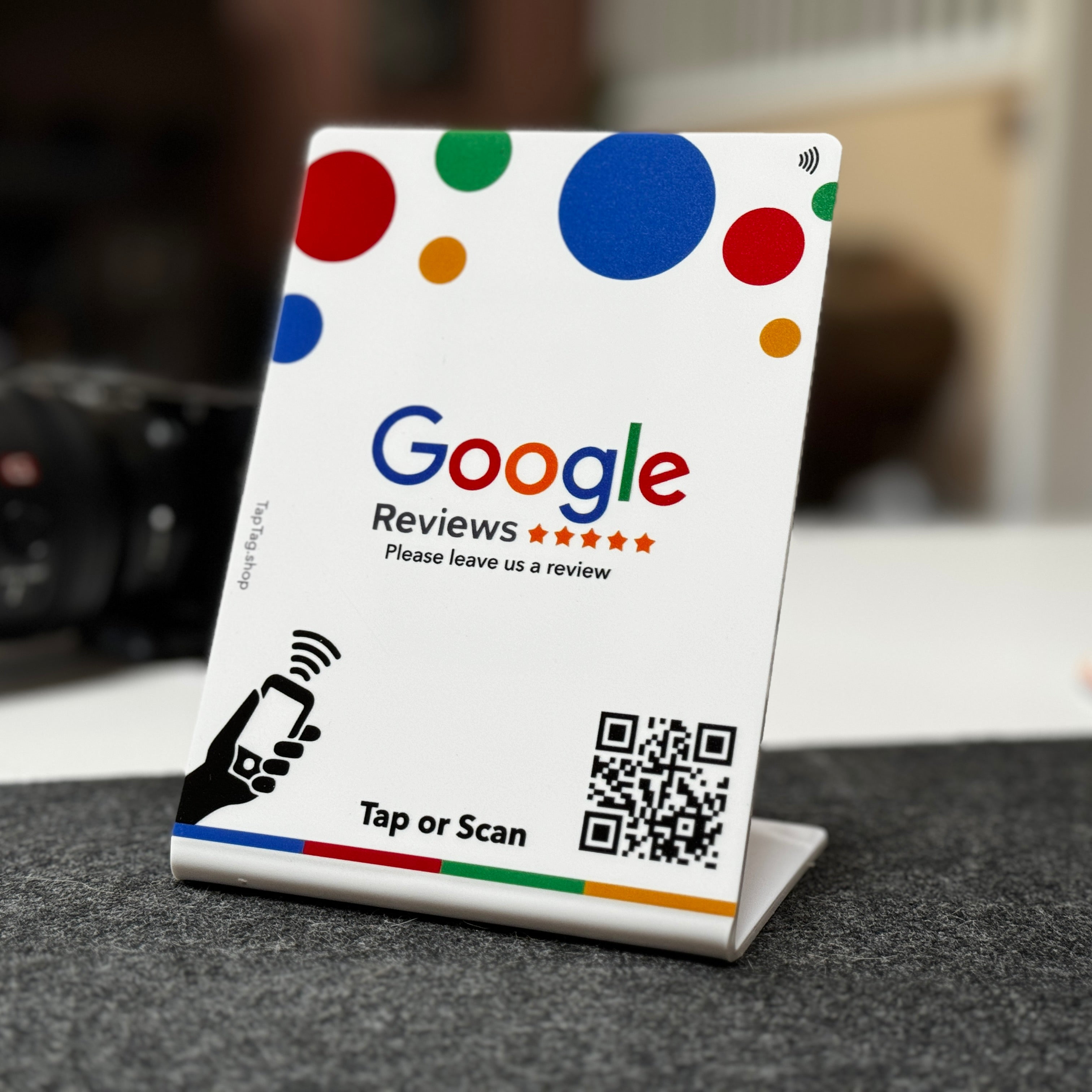
➕ Optional standup version available